For Sony cameras · iPhone, Android and Apple Watch

Your Sony Photos, On Your Phone. Instantly.

Transfer photos without waiting for the whole card to load, and control your camera from your phone or your watch.

Works with a5000, a5100, a6000 to a6600, a7 to a7 III, a7R to a7R IV, a7S, a7S II, a9, a9 II and RX1R II.
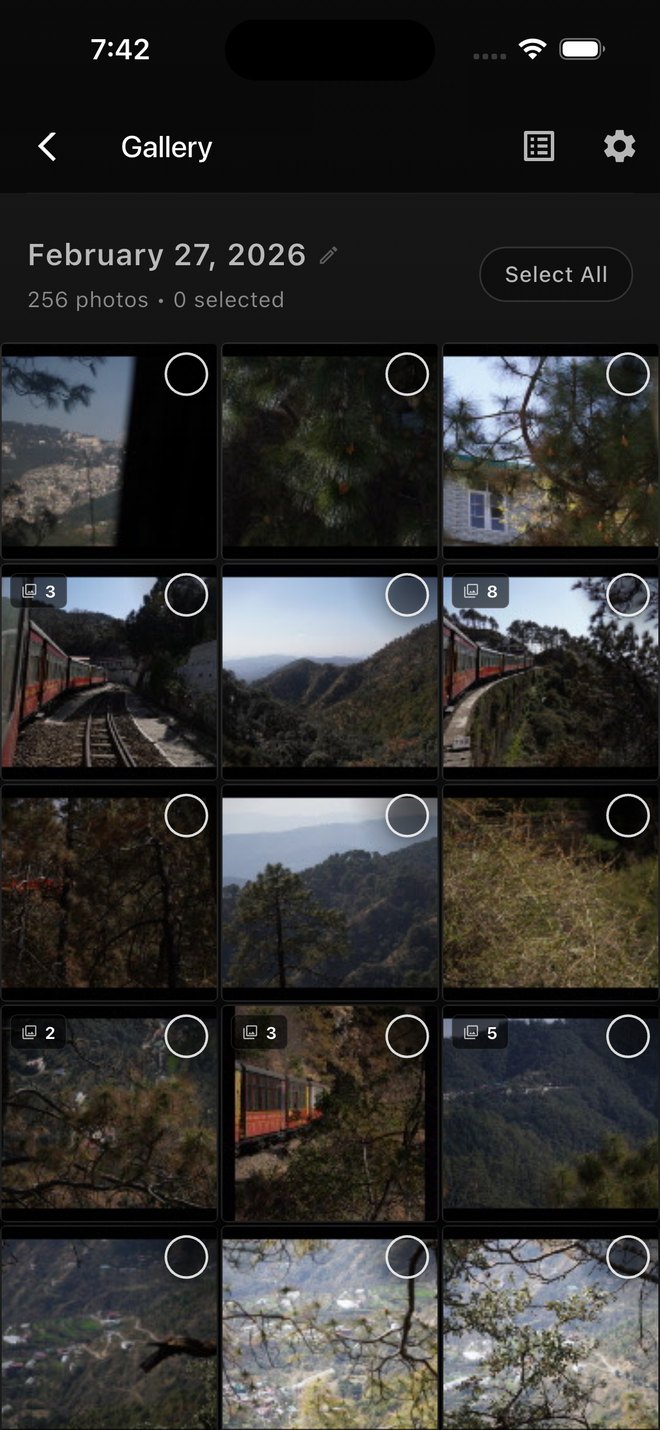
ShotBridge gallery on iPhone showing photos from a Sony camera
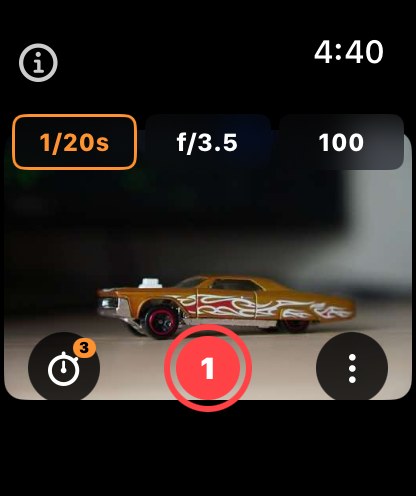
ShotBridge live view on Apple Watch
Remote control

Control your camera from your phone Premium

See what the camera sees and change settings without touching it. Useful when the camera is on a tripod, up high, or pointed at you.
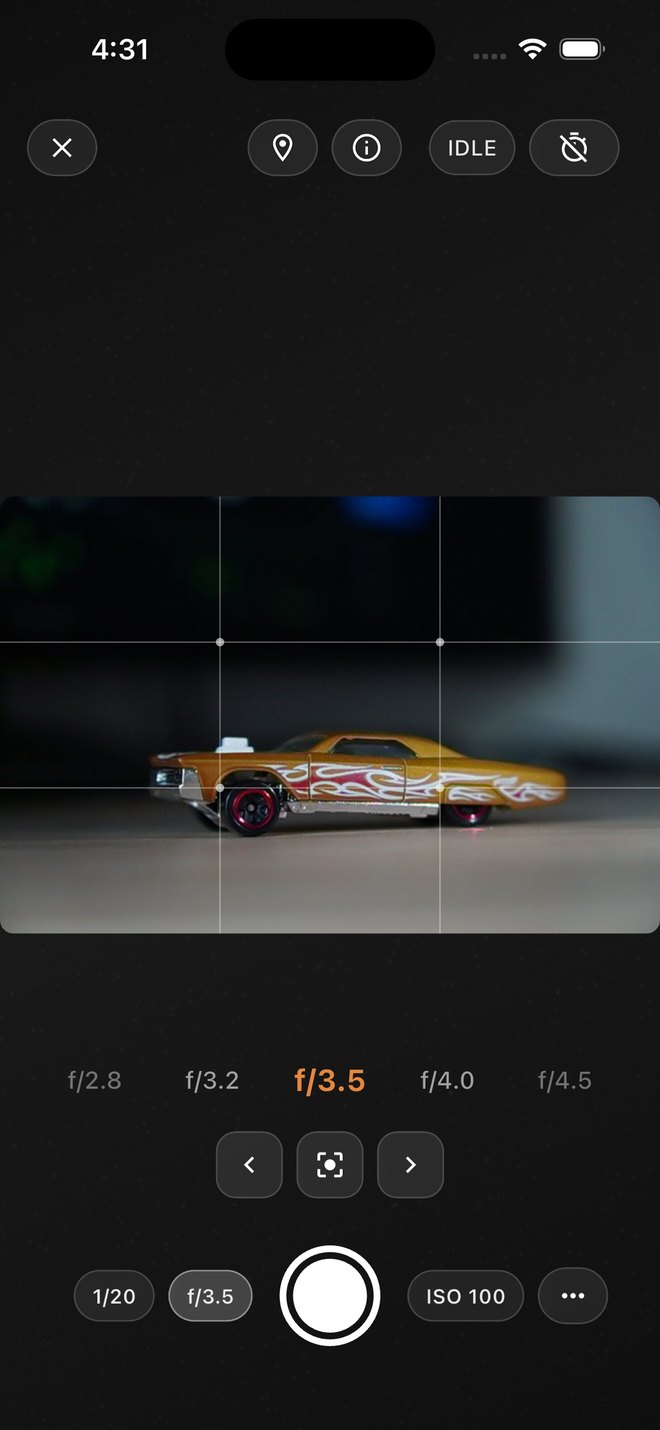
  • Live view from the camera on your phone
  • Change ISO, shutter speed and aperture
  • Take the photo, or run interval shots and timelapses
ShotBridge live view screen showing the camera feed with shutter speed, aperture and ISO controls
Focus tools

Never miss focus

A phone screen is bigger than the one on the camera, so there is room for the tools that help you judge a shot before you take it.
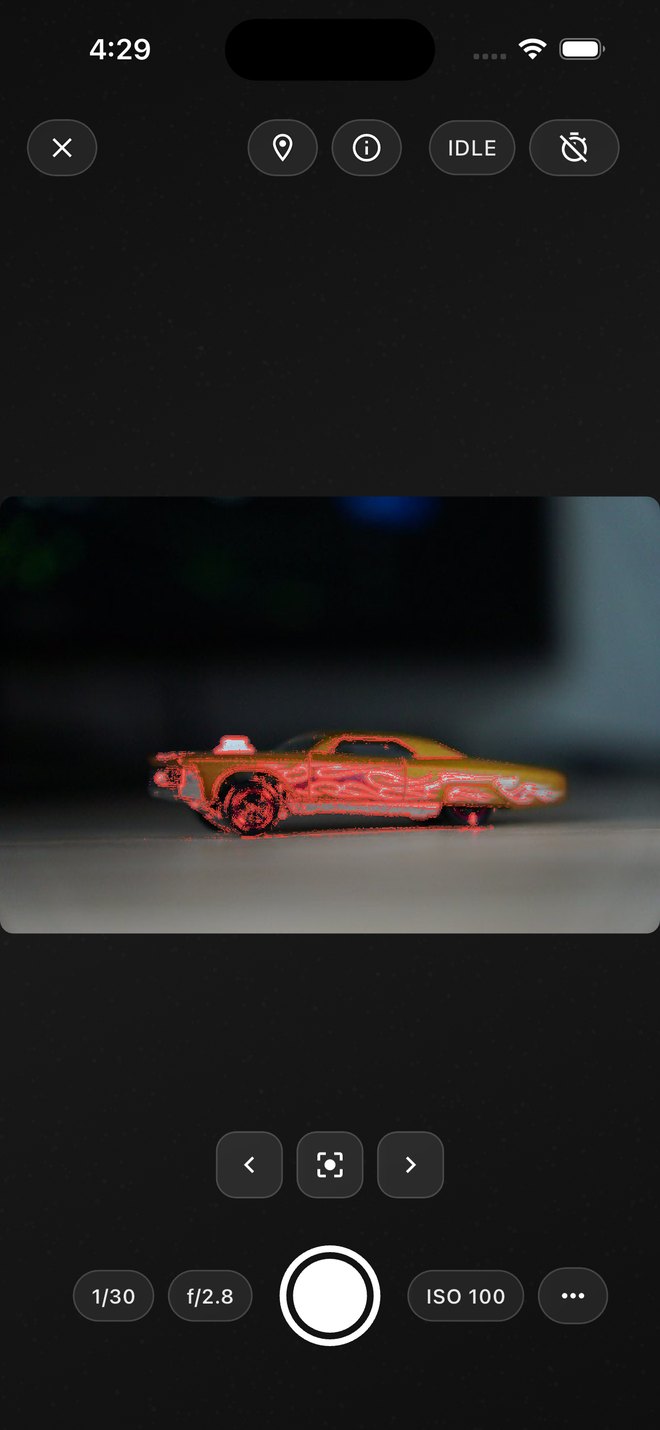
  • Focus peaking highlights what is sharp
  • Manual focus control, in fine steps
  • Zebras, grid and a live histogram
  • Automated focus stacking
ShotBridge focus peaking highlighting the sharp edges of the subject in red
Photo transfer

Get to today’s photos without the wait

Pick a start date and ShotBridge loads only the photos from that date onward. The rest of the card is skipped.

  • Browse photos you have already loaded with the camera off
  • Sync only what is new when you reconnect
  • Export at 2MP for sharing or at original resolution
  • Direct from camera to phone, with no account and no cloud
ShotBridge gallery showing photos from the camera grouped by date
Burst grouping

Skip duplicate shots

A burst leaves you with many nearly identical frames. ShotBridge groups photos that look alike into one stack, so you pick the best and move on.
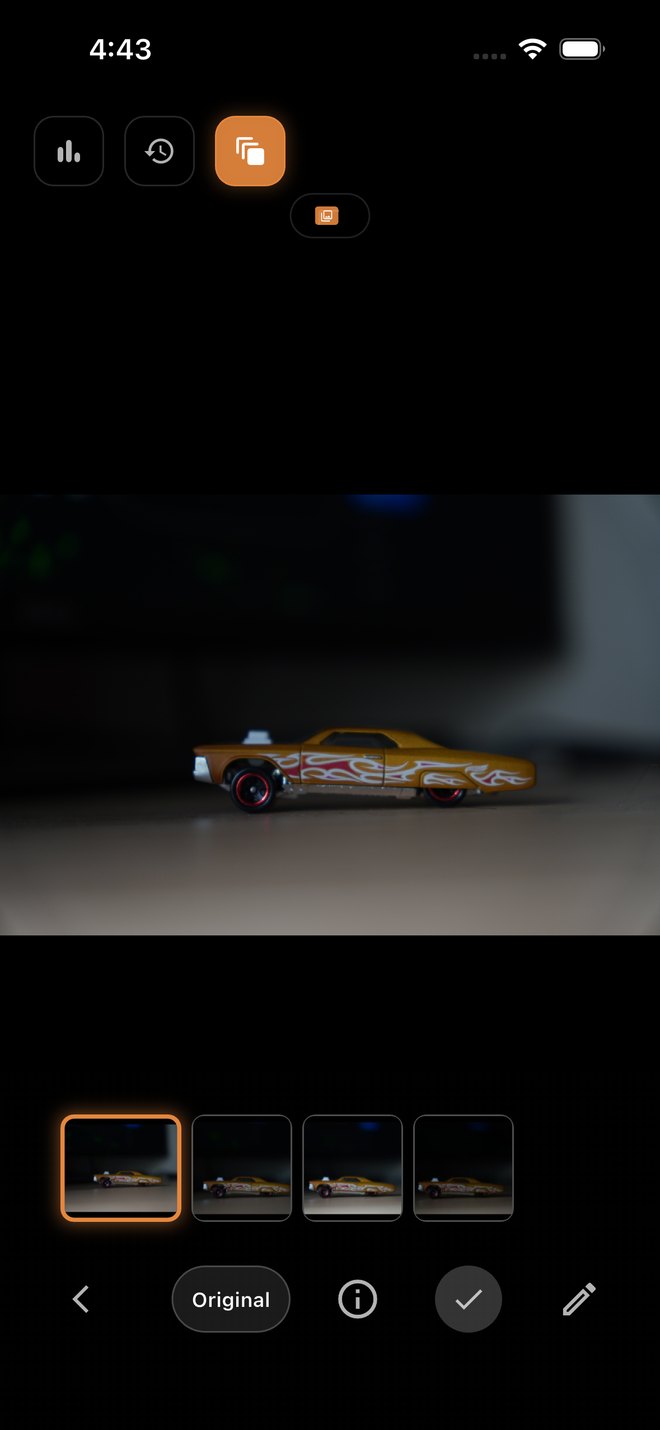
  • Similar photos collapse into a single stack
  • Step through a stack and keep the best frame
  • Zoom into faces to check focus
ShotBridge showing a burst of similar photos grouped into one stack
Editing

Quick edits before you export

Fix a photo while you are reviewing it. There is no second app to open.
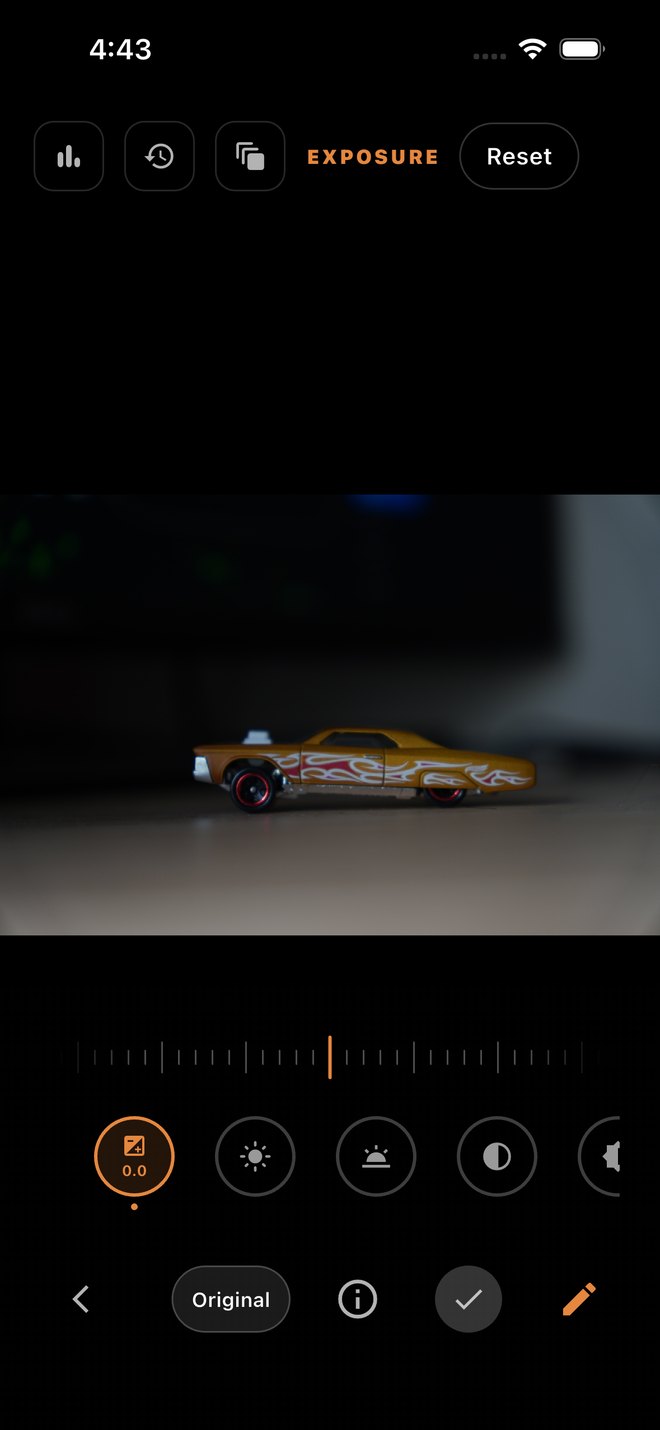
  • Exposure, highlights, shadows, contrast and more
  • White balance, tint, saturation and vibrance
  • Edits are applied when you export
ShotBridge photo editor with exposure and colour adjustment controls
Geotagging

Location in every photo Premium

Most Sony bodies have no GPS. ShotBridge sends your phone’s location to the camera over Bluetooth, and the camera saves it in each photo.
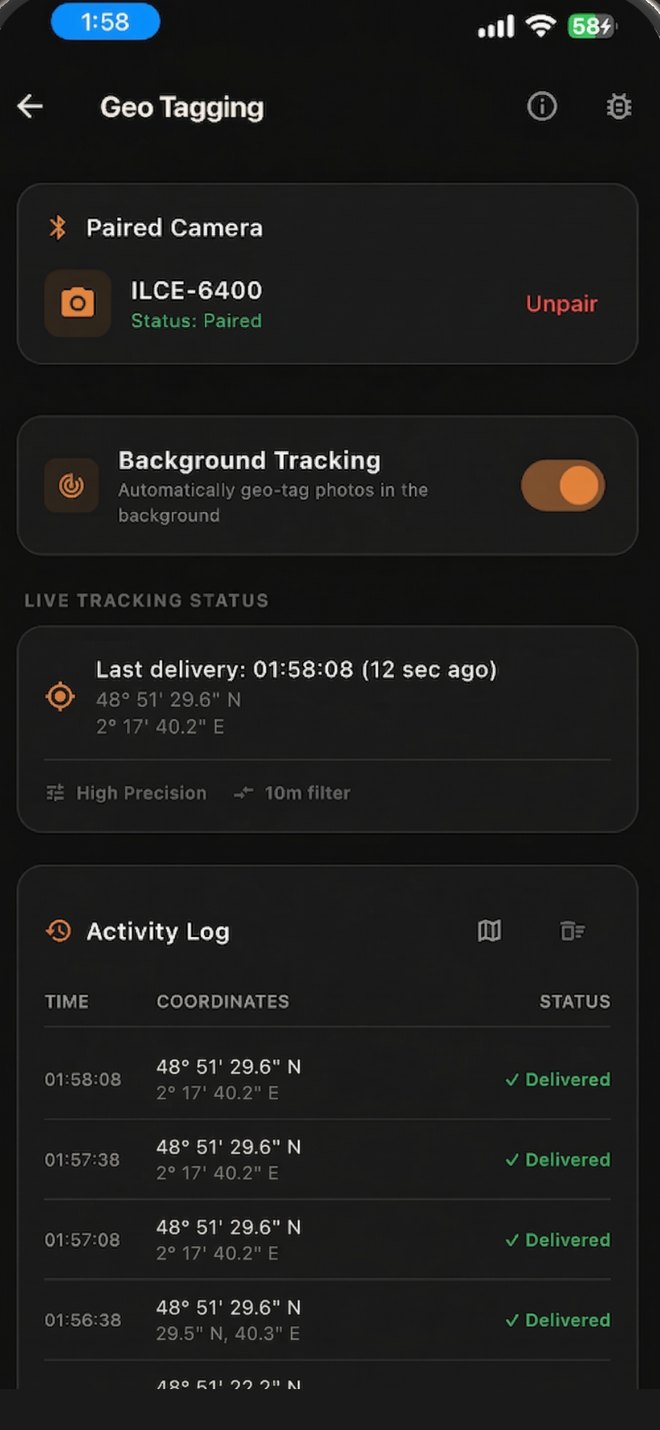
  • Runs in the background with your phone locked
  • Choose high precision or lower battery use
  • See when the camera last received a location
ShotBridge geotagging screen showing a paired camera, background tracking and the activity log
Apple Watch

A camera remote on your wrist Premium

Check the framing and take the photo from your watch, so your phone is not in the picture.
  • Live view on the watch
  • Shutter speed, aperture and ISO on the Digital Crown
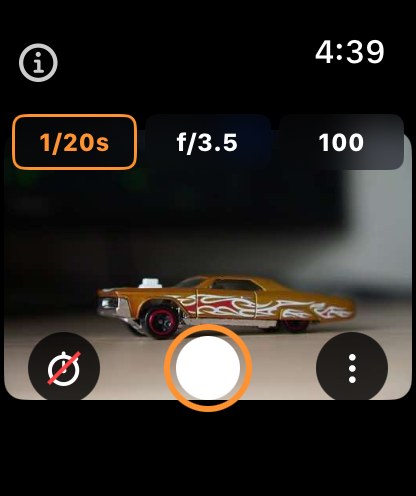
  • Self-timer with a spoken countdown
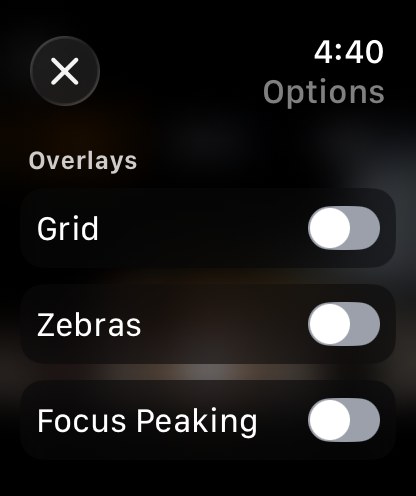
ShotBridge Apple Watch options for grid, zebras and focus peaking
ShotBridge Apple Watch app showing live view with shutter speed, aperture and ISO
ShotBridge Apple Watch self-timer counting down before the shot
macOS companion app

Select on your phone, import on your Mac

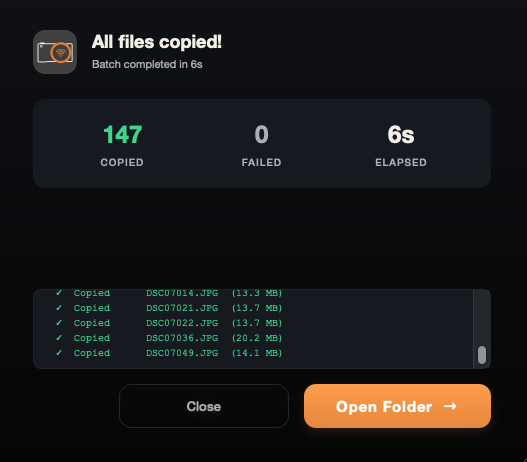
Choose your keepers on the phone, wherever you are. The Mac app then copies only those files from the memory card.
  • Export your selection as a small list file and send it to your Mac
  • Copy JPEG, RAW or both
  • Uses your Mac’s card reader, so large shoots copy quickly
ShotBridge macOS companion app showing all selected files copied

Try it with your camera

ShotBridge is free to download. Browse and review your photos for free, and upgrade when you want more.

Subscription required only for exporting, geo tagging, and remote capture. Cancel anytime.